Editing Presets and Preset Sets
The DCP Access Tool provides three types of Editor windows for creating and editing cymbal preset, reverb preset, and presets set files.
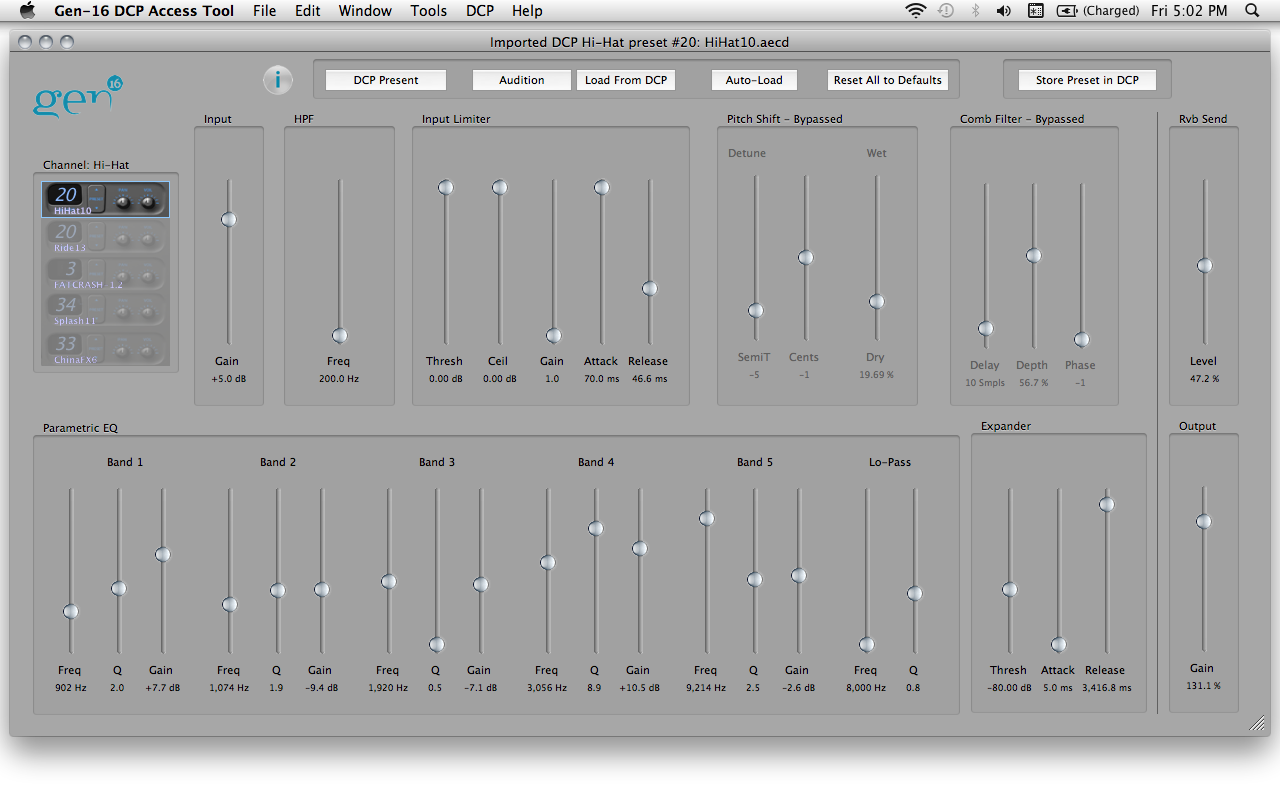
A Cymbal Editor Window allows adjustment of all the DSP parameters of one cymbal preset. It also acts as a "remote control" for the DSP in that any changes to the on-screen controls are transmitted to the connected DCP (if any) in real time so that DSP adjustments can be previewed "live". Here's what a cymbal editor window looks like:
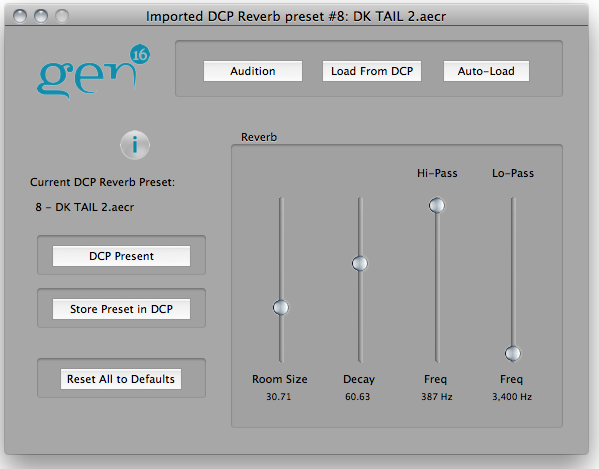
A Reverb Editor Window works like a Cymbal Editor but has fewer controls since reverbs have fewer DSP parameters to adjust:
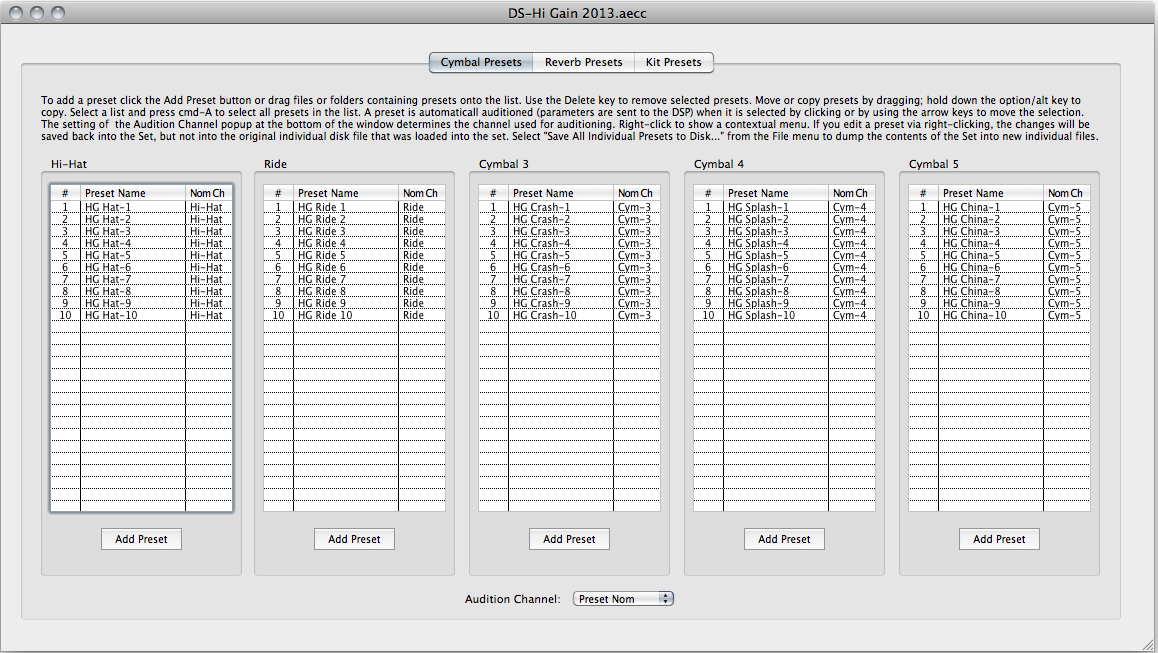
A Set Editor Window lets you arrange a number of cymbal and reverb presets into a Presets Set file, provides a graphical user interface for creating Kit Presets from the cymbal presets in a Presets Set file, and offers powerful features for easily and quickly auditioning all of the presets in a Set.
See also: Gen-16 File Types